
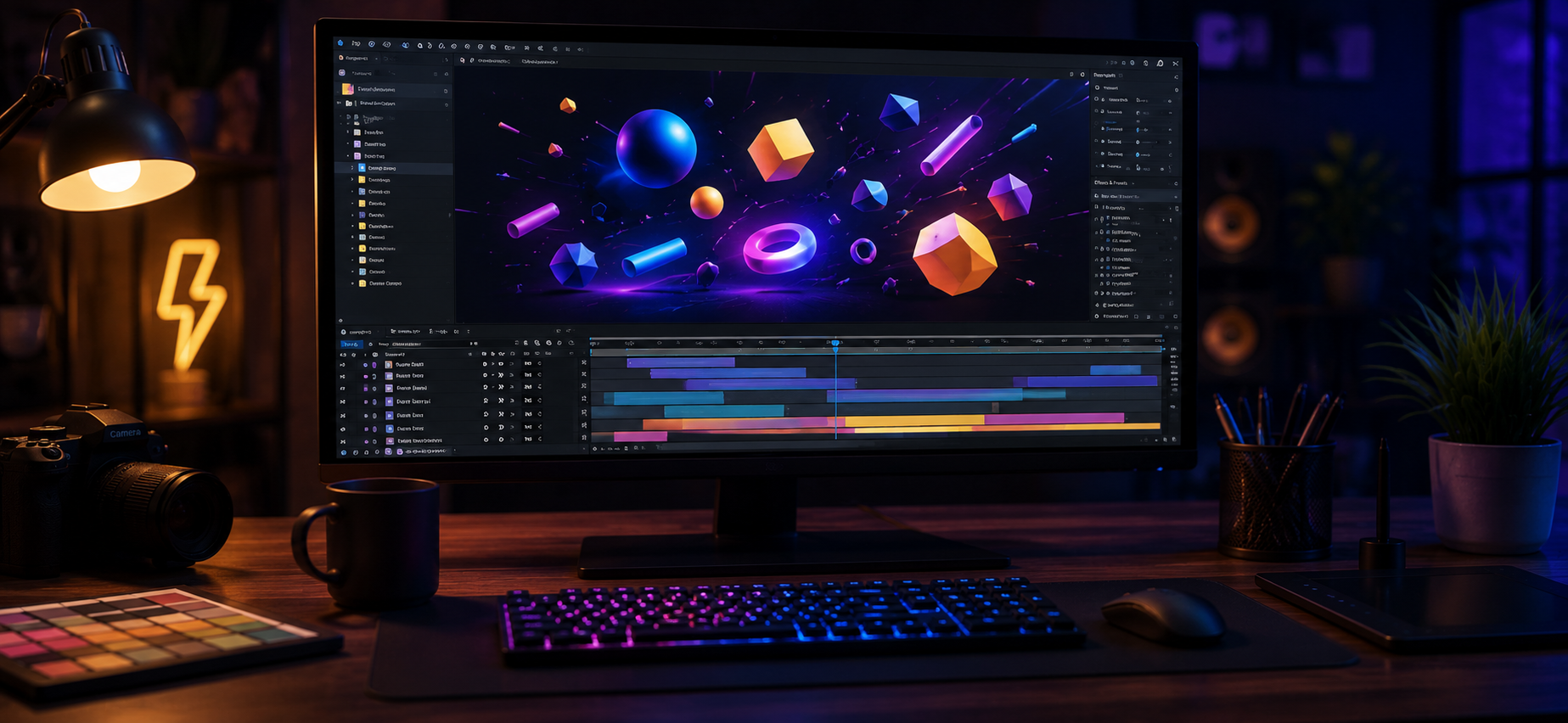
Motion design is not just about moving objects on the screen. Great animation is about creating movement that feels natural, communicates a message, and keeps the audience engaged.
Adobe After Effects is one of the most powerful tools used by motion designers to create professional animations, explainer videos, advertisements, and brand visuals.
Whether you are creating a SaaS product video or a creative marketing animation, these techniques help you make your videos look more professional.
1. Smooth Animation Using Graph Editor
One of the biggest differences between basic and professional animation is movement quality.
The Graph Editor helps control speed and timing, making animations:
- smoother
- more natural
- visually attractive
Small adjustments in speed can completely change how an animation feels.
2. Motion Blur for Realistic Movement
In real life, fast-moving objects create a slight blur.
Motion Blur adds this natural feeling to digital animations and makes your videos look more cinematic.
It is commonly used in:
- Logo animations
- Product videos
- UI animations
3. Shape Layer Animation
Shape layers are very useful for creating clean and scalable graphics.
Motion designers use them for:
- Icons
- Buttons
- Background elements
- Modern transitions
They help create professional designs without losing quality.
4. Creative Text Animation
Text is an important part of many videos.
With After Effects, you can create:
- Kinetic typography
- Text reveals
- Dynamic titles
- Brand messages
Good text animation helps viewers focus on important information.
5. Masking Techniques
Masks allow you to control which part of an image or video is visible.
They are useful for:
- Smooth transitions
- Creative reveals
- Visual effects
A simple mask can turn an ordinary scene into something engaging.
6. Using Camera Movement
Adding camera movement creates depth and a 3D feeling.
Even a simple 2D animation can look more premium with:
- Zoom effects
- Camera pans
- Parallax movement
7. Color and Visual Style
Colors influence how people feel about a video.
A good color style helps:
- Match the brand identity
- Create emotions
- Improve visual quality
8. Sound Design Sync
Animation feels incomplete without good sound.
Small details like:
- Click sounds
- Whoosh effects
- Background music
make the video experience much stronger.
Final Thoughts
Professional motion design is a combination of creativity, timing, and technical skills.
Learning these After Effects techniques can help you create animations that look smoother, more engaging, and more professional.
Whether it is a SaaS explainer video, advertisement, or brand animation, the right motion design can make your message more powerful.